![logo_lg-1.png]](https://knowledge.netexplorer.fr/hs-fs/hubfs/logo_lg-1.png?height=40&name=logo_lg-1.png)
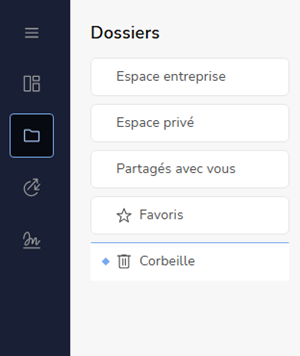
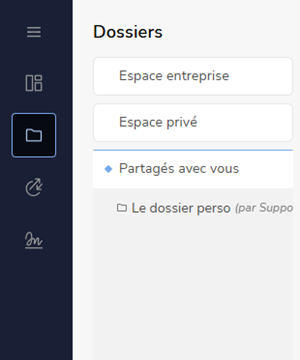
In the left-hand column, the icon  gives access to the folder area, which is divided into four spaces.
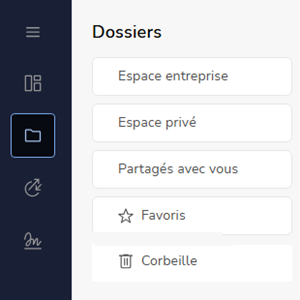
Company space
What you see in this shared space depends on the permissions you have been granted. You may therefore see something quite different from a colleague.
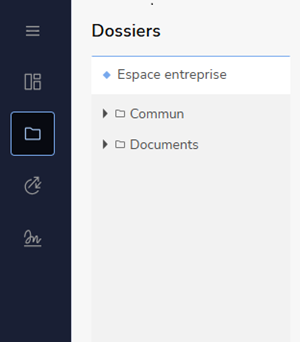
Private space (if enabled)
This space belongs to the logged-in user. Every user has their own dedicated space.
The files and folders it contains remain confidential and cannot be accessed by administrators, in line with GDPR requirements.
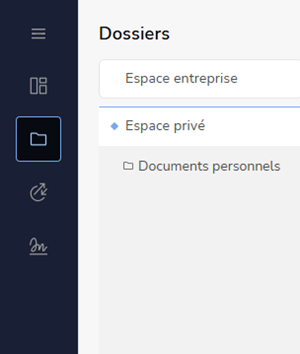
Shared with you
This space contains folders from your colleagues' private spaces, where they have invited you to collaborate.
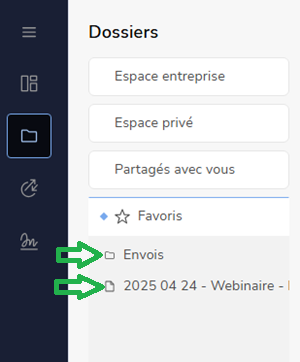
Favorites
This space gives you quick access to the folders and files you use regularly, without having to browse through the folder tree.
Épingler un favori
- Go to your Voltn platform.
-
Find your folder, right-click and select
➔ Your folder is automatically added to the Favorites section.
Unpin a favorite
- In the Favorites section, find the favorite you want to unpin.
-
Right-click and select

➔ The favorite is removed from your section. The folder itself is not deleted it remains available in its original location in the folder tree.
Organize your favorites
Favorites are added one after another as you pin them. You can reorder them however you like:
- In the Favorites section, click a favorite to select it.
- Drag it to the position you want in your list of favorites.
Trash
This space contains the items you have deleted from a folder on the platform.